Half of All Apple Maps Searches End in a Customer Action — Here's How to Post There as a Multi-Location Brand
Half of all Apple Maps searches result in a customer action. Here are six Showcase posting tips to make sure your locations show up — from Apple's own team and Uberall's solutions experts.

Key takeaways
- Post Showcases with a location-specific photo, a hyperlocal headline, and a single CTA that lands customers on exactly the web page they expect
- Schedule Showcases at least three days before you need them live, because Apple reviews every one before publishing
- Track which Showcase photos and CTAs drive the most taps using Apple Insights in the Uberall dashboard, then repeat what works across all your locations

Why would your content team consider posting on Apple when they've got reviews to reply to across hundreds of locations, social campaigns to plan, and business listings to clean up?
Yes, there are over a billion relevant business searches on Apple Maps each month in the US and Canada alone. But it's just another place to be visible, without necessarily bringing customers through the door … right?
Wrong. Half of all Apple Maps searches result in a customer action — whether that's a call, a direction tap, a website visit, or an order. That's according to Apple's own data, shared during a webinar we co-hosted with them. Our team works closely with Apple — closely enough to get early access to new features like Ads on Maps before they roll out publicly.
So how does your team go from “Let's try to post a bit more on Apple Maps” to doing it effectively and regularly — and for the long-term — across every location, without letting the ball drop on the other marketing tasks? Take these tips on how to post on Apple Maps at scale.

Use One Photo per Showcase — a Shot of the Actual Store
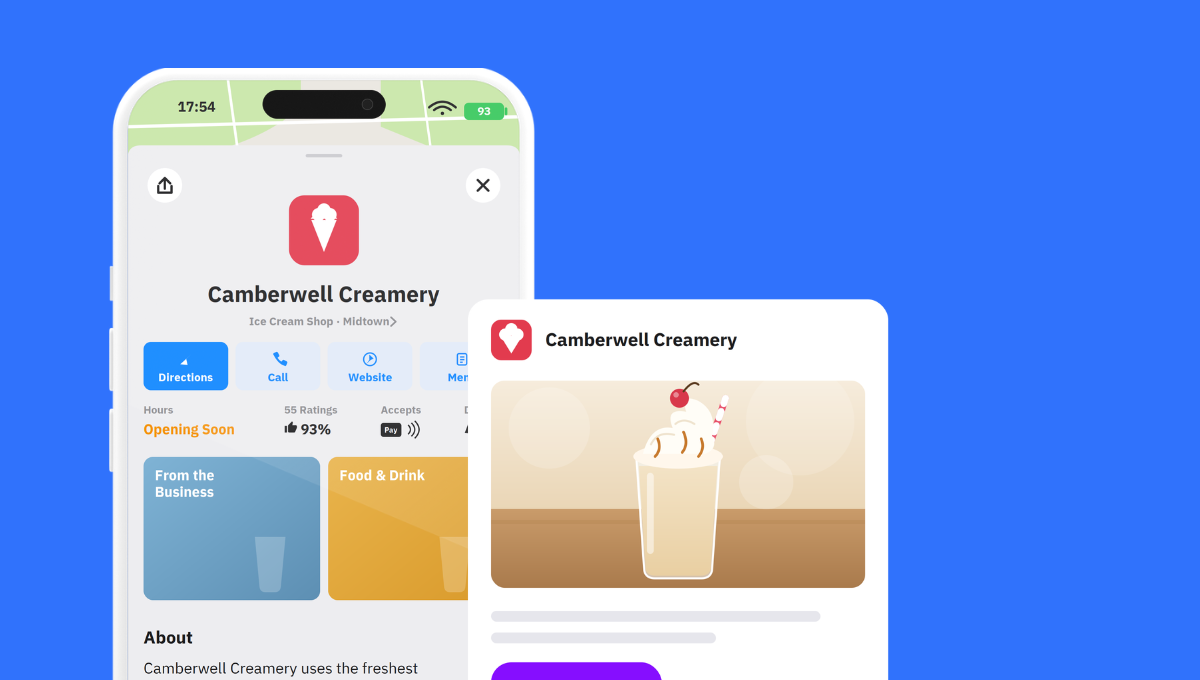
Each Apple Showcase gets one photo.
Use that photo to showcase the specific location, product, or service you're promoting — not a generic stock image. And definitely not an AI-generated image of a burger with fries. Nobody wants to see those.
During the Uberall–Apple webinar, the Apple team walked through examples of brands that upload photos of different corners of each store: the bakery section, the fresh produce display, the seasonal window. These photos turn the photo gallery into a preview of what a customer will find when they walk in.
Here are some other tips, briefly summarized for you to take back to your team:
- Read Apple's image guidelines before you upload anything to your profile — these cover authenticity, permissions, and quality
- Add alt text to every image
As David Drockton, our Principal Solutions Engineer, explained in the webinar: “Just having fresh content — especially fresh photos — really signals to all of the future LLMs about your business.” It tells them you're active and ready for customers.
One of our franchise clients, SUNMED, saw a 312% increase in Apple Maps taps for directions year over year. What did they do? They rolled out consistent, up-to-date Apple Maps profiles — including location photos and action buttons — across 310 stores.
Write 138 Characters of Hyperlocal Text to Win Customers
When you get 38 characters for your Showcase headline and 100 characters for your body text, there's no room for clever wordplay or brand slogans.
Which is OK – because all customers want to know is “what are you offering and is it nearby?”
And to answer those questions, you can, where it makes sense, weave in strong local keywords — “winter tires,” “Saturday brunch,” “same-day eye exam” — so your customers and any search system immediately understand what you do.
If there's one rule we would always tell our clients it's this: Avoid, avoid, avoid brand-level messaging — especially if you're a national or international chain with hundreds of stores. A customer standing in downtown Atlanta doesn't care about your global campaign; again, all customers want to know is “what are you offering and is it nearby?”
Instead, make every Showcase location-specific: the offer, the product, the event, the hours, the photo.
That might look like this:
“Winter Tires In Stock: Book your fitting at our Denver location before the first snow.”
Or
“Saturday Brunch is back in business: Enjoy our new fall menu. Reserve your table in Austin.”
Or
“Same-Day Eye Exams: Walk in or book online at our Brooklyn store. No referral needed.”
With the right local social posting tools, you can create templates with location-specific fields (store name, local offer, neighborhood) and publish to Apple Maps alongside Google, Instagram, and Facebook from a single session. Our own tool also adapts your text, tone, copy length, emojis, and hashtags based on your best-performing content, so you can stay on-brand and consistent from every location.
Pick a CTA That Matches What You Want Customers to Do
The call-to-action is the most important element of your Showcase. Because you want customers to do more than just see your business listing on Apple. Like we mentioned above, Apple's own data shows that one in two searches in Maps end with someone taking an action, and the CTA you choose determines which action that is.
You can choose from:
- Call Now: Connects to the store's phone number
- Get Directions: Opens navigation
- Discover More Info: Sends customers to your website
- Leave a Rating: Collects Apple Maps ratings (use this — when enough customers rate your place, Apple's own rating appears instead of third-party ones)
- Send Message: Opens a conversation
- Add to Favorites: Saves your location for later
- Share the Location: Sends a link to other Apple users
- Save as Contact: Stores your business info
- Add Photos: Lets users upload photos of your location
.png)
Showcases can be informational — not just promotional. If you're in a regulated space like healthcare or finance and can't run offers or events, you can also use “Discover More Info” to link to your expert-written content, or “Get Directions” to bring those customers on-site to you.
Whatever you do, just make sure the landing page you're sending them to on your website aligns with the CTA. If you're asking customers to book, the link should land on the booking page — not the homepage or a location page. And avoid redirects.
Consider Allocating Future Budget to Apple Ads
Brands that claim and customize their place card see 30% more place card views on average. That's just your organic baseline. But it's good to have the place cards updated as those are the base for ads — with Apple launching Ads on Maps in the US and Canada, businesses are paying to appear in Suggested Places and at the top of search results to win local customers deciding where to go.
Most multi-location brands we speak to still underestimate the real power of Apple Showcases; they have stale, unclaimed, uncustomized place cards and missing Showcases. They aren't ready to advertise even if they wanted to.
In other words, the coast is clear to be the first business in your area showing up in Apple Maps ads — whether that's for servicing winter tires, brunch reservations, or telling customers they need new glasses.
All you need to do is get the basics right that we mentioned above: updated logo, fresh gallery photos, location-specific content, and active Showcases with clear CTAs.
How do you know if Apple Ads make sense for you if you are based in North America?
- Audit your visibility and interactions (free)
- Follow the Apple Showcase postings tips we've shared (free)
- Assess what local competitors are up to in Apple Maps (free)
Then experiment with ads by targeting approximate location, search terms, and the visible map area. Map users are already the high-intent ones, and since these only rolled out in 2026, the door's wide open for brands who want to dominate the share of voice within that high-intent audience.
Plan Three Days for Your Showcase to Be Approved
After you submit your Showcase, Apple reviews it.
This takes up to three calendar days and is something you need to keep in mind if your marketing team runs flash sales or last-minute promotions. To avoid misaligned scheduling, we recommend being prepared and building your Showcases a week ahead and submitting them early to get them live on time.
Tip: If your Showcase content includes multiple languages, a rejection in any single language rejects the entire Showcase. Check every field, in every language, before you submit.
Post Every Week, Not Once a Quarter
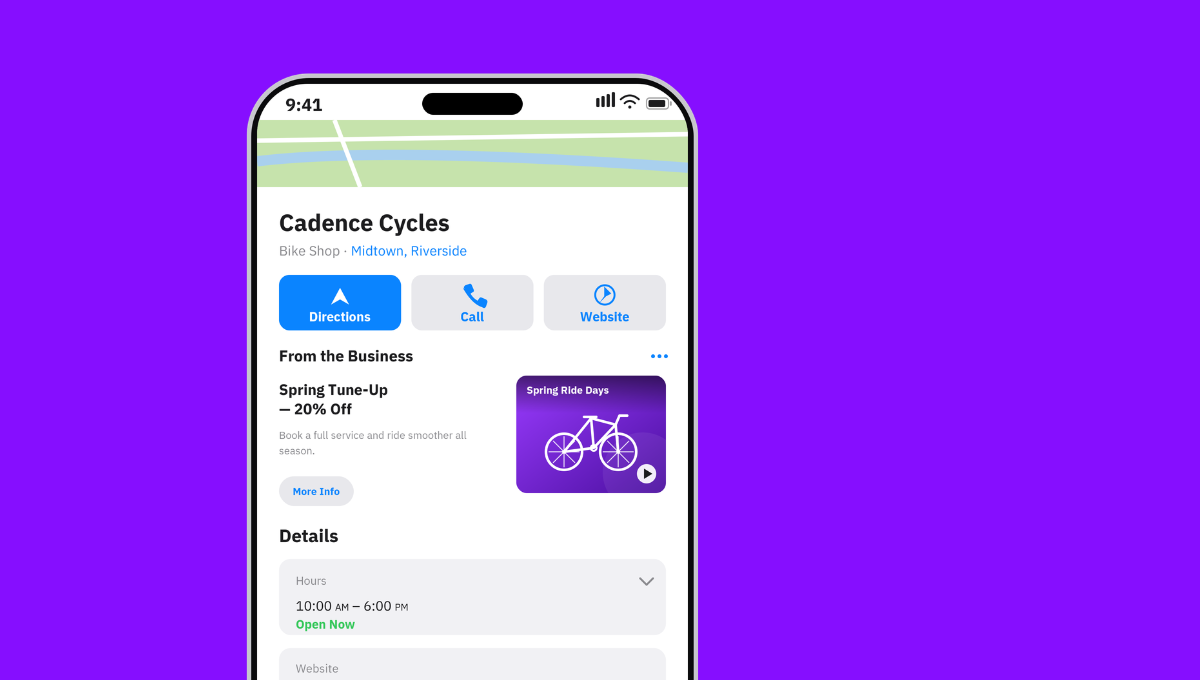
The most active brands on Apple Maps post multiple times per week. They keep their place cards fresh, build familiarity with local customers, and signal to Apple's algorithms that their business is active and engaged. That gets a big thumbs-up — especially if, like SUNMED, they're seeing 270% increase in Apple user interactions from their strategy.
But how do you see those kinds of results if you're a small content team managing hundreds of locations?
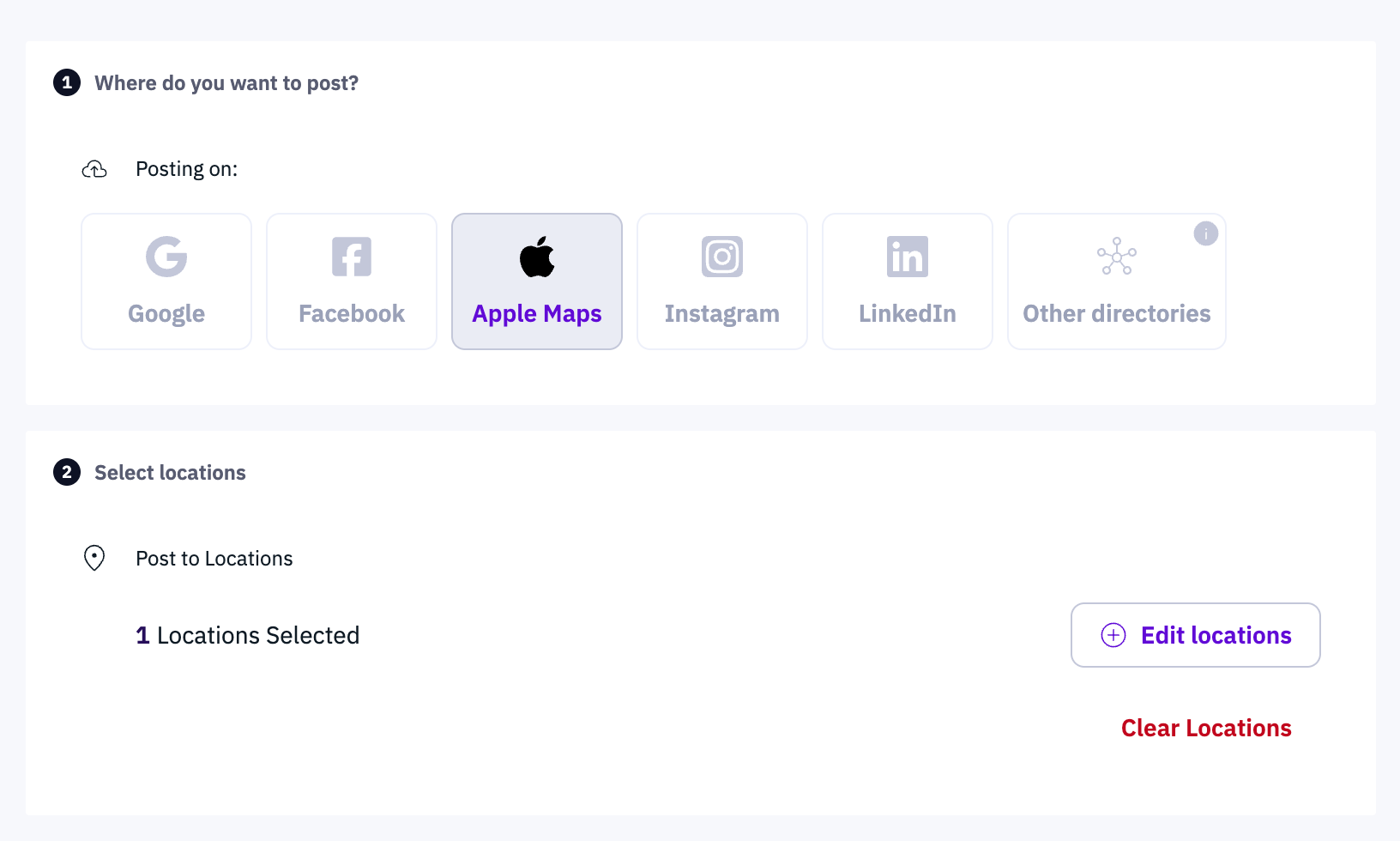
SUNMED's marketing team manages 310 franchise locations from a single platform — posting to Apple Maps, Google, Facebook, and Instagram in one go. That's because Uberall's Local Social tool does the heavy lifting at scale, so that team only needs to do a quick review and polish, without getting overwhelmed:
- AI-Social Writer generates on-brand drafts, adapting text, tone, and hashtags based on best-performing content
- AI-Tone Adjuster switches between professional, casual, inspirational, or helpful depending on the message
- Templates and scheduling let teams plan a full month of Showcases in one sitting, across all locations, from one platform
- Cross-channel publishing pushes the same content to Apple Maps, Google Business Profile, Facebook, Instagram, and LinkedIn
Use Apple Insights to See What's Working and Repeat It
Apple now provides an Insights API, and it's embedded in the Uberall dashboard.
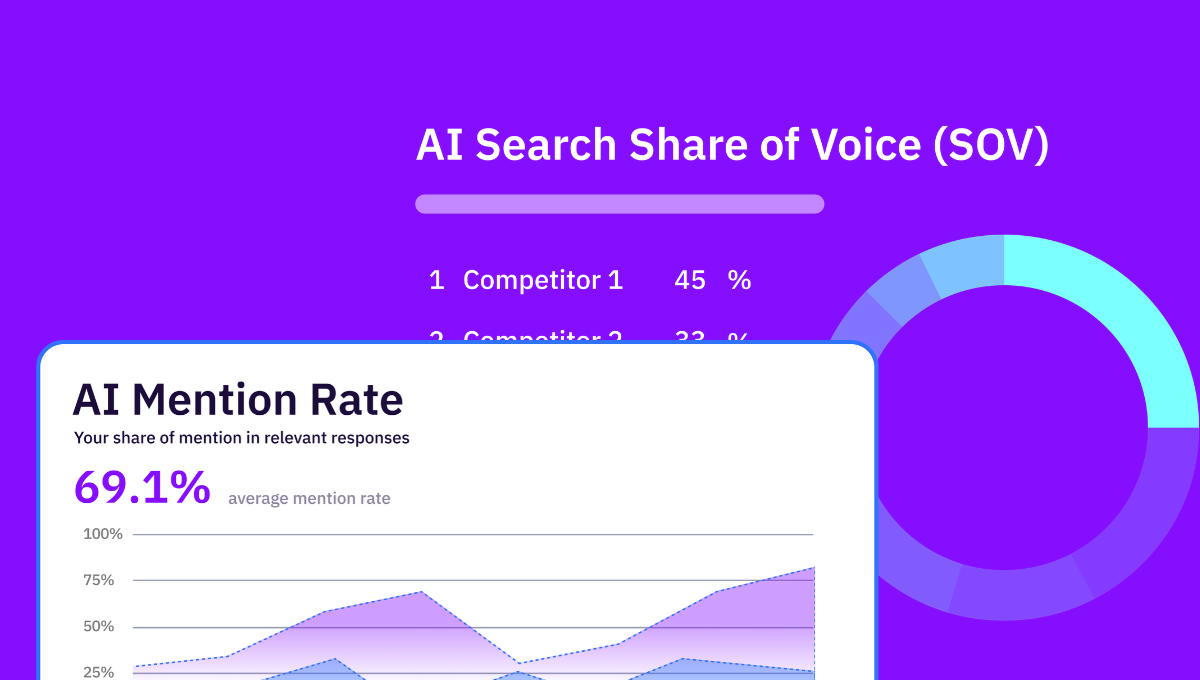
From the Analytics tab, you can filter by date range, individual location, groups of locations, or custom labels — and see views, interactions (call taps, direction taps, website clicks), click-through rates, and what customers were searching before they tapped into your location.

This is what Location Performance Optimization (LPO) is all about — seeing every location's presence as an opportunity to lift the entire brand's business. We're talking about iterative and continuous improvements made, location by location to attract local customers.
For example:
- If certain product photos lead to more direction clicks, post more of those
- If a “Leave a Rating” CTA on a Showcase collects more ratings than your custom link at the top of your place card, keep running it
- If a Showcase at one location outperforms the rest, look at what's different — the photo, the headline, the CTA — and repurpose it
Posting on Apple Maps Is Preparing to Appear Across Billions of Searches
If you came into this article thinking “Let's try posting a bit more on Apple Maps,” we hope you're now leaving this page with more than that.
Not just motivation or a to-do list but an actual strategy — and insights on how you can use our tool to scale that strategy. A strategy that helps you appear locally across the billion business searches happening on Apple Maps each month and convert half of those into calls, direction taps, and orders, and appointments.



1,800 brands trust us to stay visible
— not just show up once or twice in local search.







Frequently asked questions
Apple Showcases are the posts businesses publish to their Apple Maps place card through Apple Business — dynamic updates with a photo, short text, an action button, and a set duration that promote offers, events, and news to iOS customers. For the full breakdown of what Apple Showcases are and how they fit your strategy, see our dedicated guide; here we focus on posting tips.
You post on Apple Maps by creating a Showcase in Apple Business (formerly Apple Business Connect) — open your claimed location, add one photo, a headline and body, an action button (CTA), and start and end dates, then submit for Apple’s review (up to three calendar days). Enterprise and multi-location brands post across every location at once with Uberall’s Local Social tool, instead of one place card at a time. First, make sure your Apple Maps listing is claimed.
Apple doesn’t publish exact Apple Maps usage, but the reach is large: Apple Maps is the default navigation app on more than 2.5 billion active Apple devices worldwide, and holds roughly a quarter of the US mobile-navigation market. There are over 150 million active iPhones in the US alone — all defaulting to Apple Maps — so it’s far from a niche audience.
The call-to-action is the centerpiece of an Apple Showcase. You can add actions like Call now, Get directions, Discover more info (opens your website), Send message, Save as contact, Add to favorites, Leave a rating, Share the location, and Add photos. Pick the one action that matches your goal, and make sure it lands customers exactly where they expect — no extra clicks, sign-ups, or redirects to slow them down.
Apple Showcases run for 90 days by default, and you can extend them for up to 365 days. Set a start and end date that matches how long your update or promotion stays relevant. And remove a Showcase as soon as its content is outdated — for example, when a promotion ends or a product sells out — so customers only ever see current, accurate offers on your place card.
An Apple Showcase can take up to three calendar days to go live, because Apple reviews every Showcase before publishing it. Plan time-sensitive posts — sales, events, limited offers — at least three days ahead so they’re live when you need them. One thing to watch: If your content is rejected in even a single language, the whole Showcase is rejected, so check every field before you submit.
You should post Apple Showcases regularly — the most engaging businesses on Apple Maps publish multiple times a week. A steady rhythm keeps your place card fresh, builds familiarity and trust, and keeps you top of mind for nearby iOS customers who are ready to act. Consistency beats perfection: short, timely, location-specific updates outperform occasional brand-level posts.
Yes, you can schedule and manage Apple Showcases across multiple locations, and for a large brand you’ll want to. Rather than posting to each place card by hand, use a social posting platform like Uberall Local Social to schedule, template, and AI-draft location-specific Showcases across dozens or hundreds of locations from one login — while keeping your brand tone consistent.